Many people today use both Instagram and TikTok. Instagram is great for photos and stories, while TikTok is perfect for short videos. If you use both, it makes sense to connect them together. This way, your TikTok followers can easily find your Instagram, and you don’t need to keep pasting links again and again.
But a lot of people get confused: How to Link Instagram to TikTok? Sometimes the option is hidden, sometimes it doesn’t work at all. Don’t worry — in this guide I’ll explain everything in very simple words. I’ll also cover what to do if TikTok doesn’t allow you to add Instagram, and how it works on desktop, Android, iPhone, and even for business accounts.
Let’s start.
Table of Contents
How to Link Instagram to TikTok on Desktop?
First, let’s talk about desktop. If you usually open TikTok on your computer or laptop, you’ll notice that the desktop version doesn’t have all the features of the mobile app. For example, you can watch videos, upload from desktop, and edit your bio, but the option to directly link Instagram often isn’t there.
So what can you do? Here’s a simple method:
- Open TikTok in your browser and log into your account.
- Go to your profile (click your picture on the top-right).
- Tap Edit Profile.
- In most cases, you won’t see “Add Instagram.” That’s normal.
The trick is to copy your Instagram profile link (for example: instagram.com/yourname) and paste it in your TikTok bio.
How to Link Instagram to TikTok on Android?
If you use an Android phone, linking Instagram to TikTok is very simple. Here’s what you need to do:
- Open the TikTok app.
- Tap the Profile button at the bottom right.
- Hit Edit Profile.
- Scroll down to the section called Social.
- Tap Add Instagram.
- A new screen will pop up. Log in to your Instagram account.
- Tap Allow to connect.
Now you’ll see a small Instagram icon on your TikTok profile. Anyone who taps it will go straight to your Instagram.
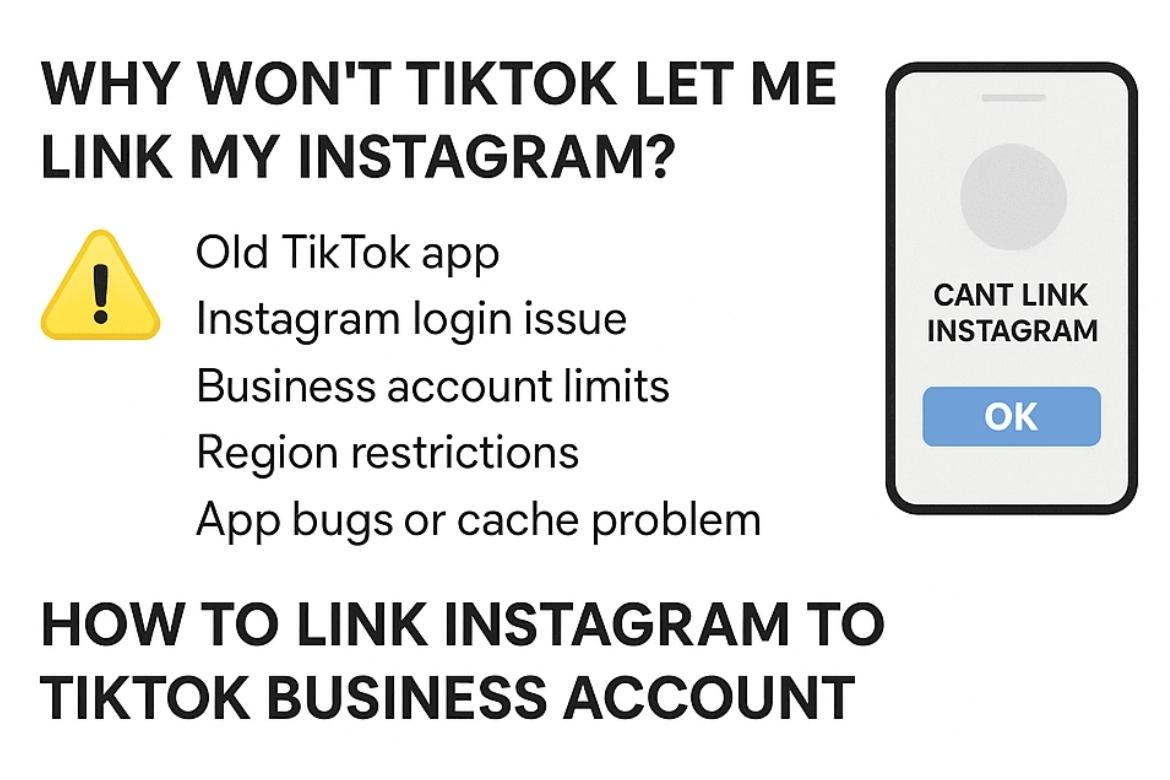
Why Won’t TikTok Let Me Link My Instagram?
This is one of the most common problems. Sometimes people can’t find the option, or TikTok just won’t connect to Instagram. Here are the main reasons and what you can do:
- Old TikTok app → Update the app in Play Store or App Store.
- Instagram login issue → If you use two-factor authentication, TikTok may block the login. First, log into Instagram separately, then try linking again.
- Business account limits → Some TikTok business accounts don’t show the Instagram option. In that case, add your Instagram link to your bio instead.
- Region restrictions → In some countries, TikTok removed the Instagram linking option. Sadly, you can’t fix this unless you use the bio method.
- App bugs or cache problem → Clear cache in your TikTok settings and restart the app.
How to Link Instagram to TikTok Business Account?
If you switched your TikTok profile to a Business Account, you may notice the Instagram option disappears. Instead, business accounts usually allow only one clickable Website link.
Here’s what you can do:
- Open TikTok and go to your profile.
- Tap Edit Profile.
- Check under the Website section.
- If you don’t see the Instagram option, paste your Instagram link in the Website field.
Pro tip: If you want to share more than just Instagram (like YouTube, blog, or online store), you can use a “link in bio” tool. These tools give you one link that shows all your socials. Then you can paste that single link in TikTok, and followers can choose where to go.
How to Add Instagram Link to TikTok iPhone?
For iPhone users, the steps are almost the same as Android. Here’s a quick guide:
- Open TikTok on your iPhone.
- Go to your Profile.
- Tap Edit Profile.
- Scroll to the Social section.
- Choose Add Instagram.
- Log into Instagram and confirm.
That’s it. Your Instagram will now be connected. If the option doesn’t show up, you can again paste the link into your bio.
Quick Tips for Beginners
- Always make sure your TikTok app is updated. Old versions often cause issues.
- If you switch between a Personal Account and Business Account, features may change. Keep this in mind.
- Even if you can’t officially “link” Instagram, adding the profile link in your TikTok bio works just fine.
- Try to keep the same username on both Instagram and TikTok. It makes it easier for people to find you.
- Don’t forget privacy. Once your Instagram is linked, all your TikTok followers can click and see it.
Final Words
Connecting Instagram and TikTok is useful if you want your followers to easily find you on both apps. On Android and iPhone, the process is simple: just go to Edit Profile > Add Instagram and log in.
On desktop, the option doesn’t exist yet, but you can paste your Instagram link into your TikTok bio.
For business accounts, you may need to use the Website link or a link-in-bio Insta tool like AnonyIG to share Instagram in a professional way.
And if TikTok won’t let you link Instagram, don’t panic — it’s usually because of app version, account type, or region. There’s always a simple fix.
By linking the two apps, you save time, make your profiles look professional, and help your followers connect with you in more than one place.